5 Steps to Improve Your Results in Spoonflower Design Challenges
Let’s talk about Spoonflower design challenges in a real, honest way for a second.
If you’ve ever poured your heart into a challenge design, hit submit, and then watched it quietly land somewhere in the middle of the results, it’s really easy to walk away thinking, “Okay… what am I doing wrong?”
The tricky thing is that Spoonflower challenges are a mash-up of a lot of things at once: design skill, understanding the brief, usability, community taste, and yes, a bit of timing and luck. You can’t control all of it, but you can stack the deck in your favor.
This is how I’d think about ranking higher in Spoonflower design challenges without burning yourself out.
First, a quick look at how challenges actually work
Spoonflower runs themed design challenges on a regular schedule. There are usually two open at any given time, you get a set entry window, voting closes on a Tuesday, and winners are announced on Thursday. Spoonflower Blog
A few important basics:
The popular vote determines the winners and the full ranked list, and the top 100 designs are considered “winners” for that challenge and get featured.
Entries are shown in a random order every time someone loads the voting page, so no one gets a permanent first page advantage.
You have to be a verified seller, you can only enter one design per challenge, and it has to be uploaded after the theme is announced.
So the game is: make something people actually want to use, fit the brief really well, and present it clearly enough that it stops someone scrolling through hundreds of other entries and makes them fall in love.
Step 1: Treat the brief like a real client project
The fastest way to tank a challenge entry is to ignore the brief, even a little.
Spoonflower lays out things like:
theme or theme mash up
sometimes an intended product (wallpaper, upholstery, tea towel calendar, etc.)
any color suggestions
They also have standing rules like:
your design has to be original
it can’t be something you uploaded before the challenge was announced
they can and do disqualify entries that break the rules
Before you even open your iPad or computer, it’s worth reading the full challenge page slowly, like you would a client brief. Ask yourself:
What exactly are they asking me to design?
What product are they imagining this on?
Are there color boundaries I need to respect?
Does my idea clearly answer the theme, or is it a stretch?
The designs that do best usually feel like they’re sitting right in the center of the prompt, not on the edges of it.
I post regular design challenge briefs for free after the challenges are posted.
Check them out here:
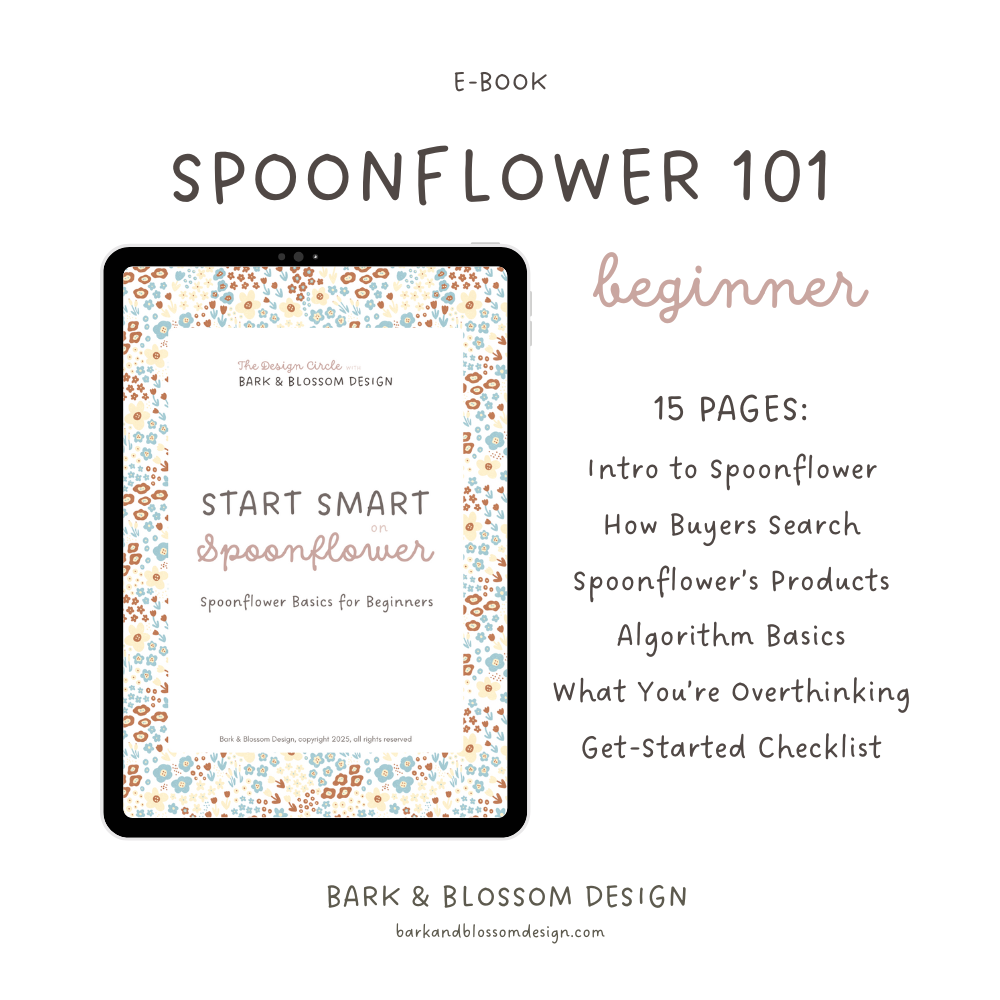
Start Spoonflower with clarity — not overwhelm.
If you’ve been thinking about joining in on Spoonflower but feel intimidated… or you signed up and immediately froze, this guide was made for you.
Start Smart on Spoonflower is a beginner-friendly introduction that walks you through how the platform works — in a simple, encouraging way. No technical overwhelm. No pressure to be perfect. Just a clear starting point so you can actually begin.
Perfect for you if you:
haven’t joined Spoonflower yet but want to understand it first
feel overwhelmed by how it all works
signed up but haven’t uploaded anything
are stuck in research mode and need clarity
What you’ll learn:
What Spoonflower is (and isn’t)
How buyers use the platform
The basics of designing for different products
How search and visibility work (in plain English)
Common beginner mistakes to avoid
A simple first-month checklist
15-page PDF · Instant download
This is true beginner-level guidance — the “before you start” foundation that helps you move forward with confidence instead of overthinking every step. If you’re ready to stop circling and actually get started, this will show you how.
Step 2: Make something beautiful and usable
A big thing to remember: many of the challenge voters are actually not other designers. They’re quilters, home sewists, small product makers, interior people, and casual shoppers. Spoonflower themselves are very explicit about challenges being a way to “get your work discovered” and drive sales. Spoonflower
So when you’re designing for a challenge, you’re really designing for two things at once:
A strong, eye-catching thumbnail on the voting page.
A print that would actually work on fabric, wallpaper, or home decor.
A few things that tend to help:
Clear, readable motifs at voting distance. The design has to make sense in that little preview square. If it only works when zoomed in, it might get passed over.
Thoughtful scale. Spoonflower’s default resolution is 150 dpi, and they recommend designing and uploading at that resolution. Spoonflower
Think about whether voters will be picturing it on bedding, a tea towel, or a kid’s dress and size it accordingly.Solid repeat. Tiny repeat flaws show up fast in the challenge preview and scream “unfinished.” Spoonflower’s design layout tools make it pretty easy to check, but you have to actually look.
Color that feels current but still usable. Extreme palettes can be fun, but most voters are subconsciously asking, “Could I actually sew with this?”
One designer who write about their challenge experience mentioned that their best-ranking designs tend to be a little simpler, more textural, or more geometric than their wildest ideas, because those read better at a glance and are easier to imagine in a real project. Naughty Hedgehog Designs
Step 3: Get the technical stuff right so nothing holds you back
This is the boring part, but it’s also the part that quietly separates “polished, ready-to-sell design” from “pretty idea that wasn’t quite there.”
At minimum, make sure:
Your file is a JPG or PNG, saved at your intended print size at 150 dpi, and under 40 MB. Spoonflower
You’re working in RGB / sRGB, not CMYK, so your colors don’t shift wildly on upload. Spoonflower
You’ve checked the design layout page to confirm your repeat, scale, and product preview look right before you enter. Spoonflower
None of this will win you a challenge on its own, but if you don’t do it, it will absolutely hurt you.
Step 4: Use timing and visibility as gentle boosts
You don’t need to turn challenges into a full-time campaign operation, but a little bit of strategy around timing and visibility does help.
Enter earlier rather than at the last second
Spoonflower doesn’t publicly spell this part out, but I have noticed something interesting: when multiple entries end up with the exact same number of votes (which happens a lot in big challenges), the ranking within that tied group appears to follow the order entries were submitted.
In other words, if two designs both land on, say, 127 votes, the one that was entered earlier is often listed higher than the one entered later. If you dig into the nitty gritty of the vote counts, that can be the difference between 105th place and 99th place, which suddenly nudges you into that “Top 100” band that gets a badge and extra visibility across the site.
Is this the main thing you should focus on? No. But if your design is done and you love it, there’s no real advantage to waiting until the very last minute. Submitting earlier just quietly gives you a better shot inside those tied clusters.
Share your entry without turning it into a spam campaign
Because the challenge gallery is randomized for every voter, there’s no way to link people directly to your entry. You can invite folks to vote, but they still have to scroll and find you among everyone else, and Spoonflower themselves talk about the challenges not being designed as pure popularity contests. Spoonflower
So if you’re going to share:
Post your entry on Instagram or your newsletter with a little story about the design.
Ask people to vote for their favorites, not just you.
See it as a way to show your work, not to “game” the system.
Designers who’ve written about their challenge journey often say that when they did well, it was a combo of a strong, on-brief design and a bit of outside traffic, not just one or the other. Presutti Design
Step 5: Enter with a strategy that actually supports your business
Challenges are fun, but they’re also a fair amount of work if you put your all into them. If you try to enter every single one AND try to rank as high as you can, it’s possible you’ll burn out quickly. A lot of artists who’ve stuck with it long term recommend choosing only the challenges that align with:
your existing style or the direction you want to grow in
your ideal customer (for example, quilting, kids, home decor)
trends you want in your portfolio anyway (color of the year, a new interior trend, etc.) whimsicalflourish.art
This is how some designers have used challenges to drive a big chunk of their Spoonflower sales: they treat each entry as part of a cohesive body of work, not a random one-off. One designer even credits challenges for the majority of their first-year sales and points out that placing in the top 50 or top 100 makes you much more visible to shoppers. Presutti Design
You can borrow that mindset:
Use challenges as prompts to build out mini-collections you’d want in your shop anyway.
Refine a good challenge design after voting ends and develop coordinates around it.
Pay attention to which of your entries get more favorites and sales after the challenge is over. That’s valuable data about what your audience responds to. Spoonflower Blog
What you can’t control (and why that’s okay)
Because challenges are decided by popular vote, there’s always going to be a “taste + popularity” factor in there. Artists have pointed this out for years and cautioned against treating challenge results as a perfect measure of whether a design is “good” or “marketable.” Alissa Carin
You can’t control:
how many entries are in a given challenge
what styles are trending with the Spoonflower audience that week
whether someone with a big audience happens to enter the same challenge
how ties are handled on the backend beyond that small timing effect
What you can control is:
creating polished, on-brief, usable designs
understanding the platform’s technical expectations
entering challenges that align with your long-term goals
using results as information, not a verdict on your worth as an artist
When you think of challenges as a practice space (a way to explore trends, stretch your skills, and slowly increase your visibility) they stop feeling like a weekly referendum on your talent and start feeling more like a structured part of your creative business.
Wrapping it up
So no, you can’t fully “hack” Spoonflower design challenges. But you also don’t have to just throw designs into the void and hope for the best.
If you read the brief like a client project, design something that’s both beautiful and genuinely usable, make sure the technical side is solid, submit a little earlier when you can, and treat challenges as part of your broader portfolio strategy, you’ll give yourself a much better chance of climbing into those top rankings over time.
And honestly, even when you don’t place where you hoped, you still walk away with a new design, more experience, and more data about what clicks with people. That, to me, is still a win.