Sale Price:
$0.99
Original Price:
$1.99
Protect your artwork in seconds with a simple watermark grid.
This easy-to-use Procreate brush adds a subtle overlay to your designs, helping prevent copying or theft when sharing online.
Just install and brush over your artwork before exporting your display image. Lower the opacity or change the blend mode to get the look you want — visible enough to protect, subtle enough to not distract.
Perfect for you if you:
share artwork on social media or marketplaces
want quick protection without complicated setup
are just starting to put your work out there
How it works:
Open the brush on your iPad to install with 1 click
Find the brush in your “Imported” folder in the brushes panel
Create a new layer on top of your artwork
Brush over your artwork
Adjust opacity
Important:
This is recommended for display images only. Remove the watermark layer before uploading files for production (Spoonflower, Etsy, etc.) or for displaying in portfolios, licensing pitches, etc.
Protect your artwork in seconds with a simple watermark grid.
This easy-to-use Procreate brush adds a subtle overlay to your designs, helping prevent copying or theft when sharing online.
Just install and brush over your artwork before exporting your display image. Lower the opacity or change the blend mode to get the look you want — visible enough to protect, subtle enough to not distract.
Perfect for you if you:
share artwork on social media or marketplaces
want quick protection without complicated setup
are just starting to put your work out there
How it works:
Open the brush on your iPad to install with 1 click
Find the brush in your “Imported” folder in the brushes panel
Create a new layer on top of your artwork
Brush over your artwork
Adjust opacity
Important:
This is recommended for display images only. Remove the watermark layer before uploading files for production (Spoonflower, Etsy, etc.) or for displaying in portfolios, licensing pitches, etc.
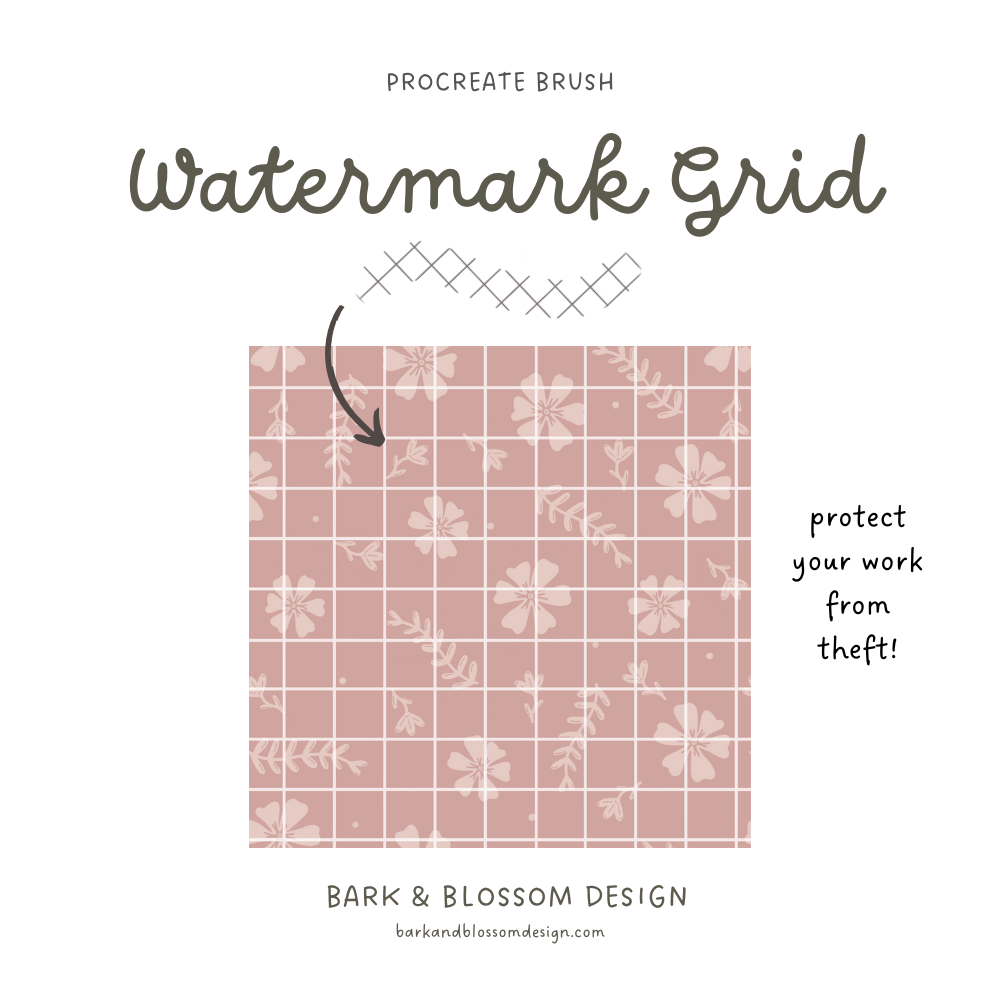 Image 1 of 1